Does my footage get uploaded?
No. Your footage, audio and project files stay on your Mac. To label moments and learn a style, Sift sends small still frames (512 px on the long edge) and transcript text to the AI provider you choose, with your own API key. Audio is never sent: transcription runs on your Mac. The Privacy page lists exactly what leaves.
What footage can it read?
MP4, MOV, M4V, MXF, MTS/M2TS, AVI and MKV video; WAV/BWF, MP3, M4A and AIFF audio. It recognises Sony, Canon, GoPro, DJI and iPhone files, and Zoom, Tascam and Sound Devices recorders. Camera RAW (BRAW, R3D, ARW, CR3 and others) is listed as unsupported so you can see what was left out.
How does it sync cameras without timecode?
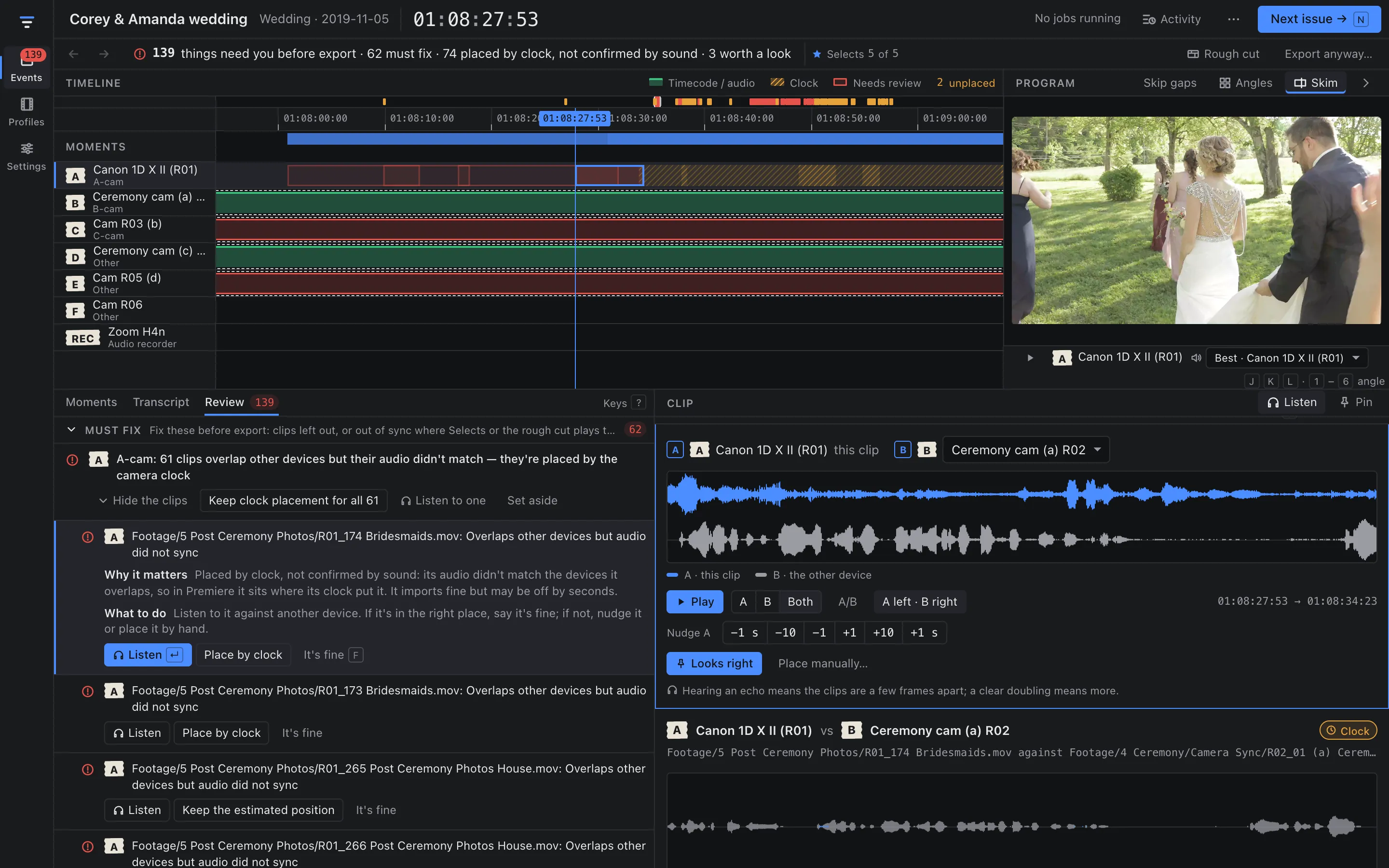
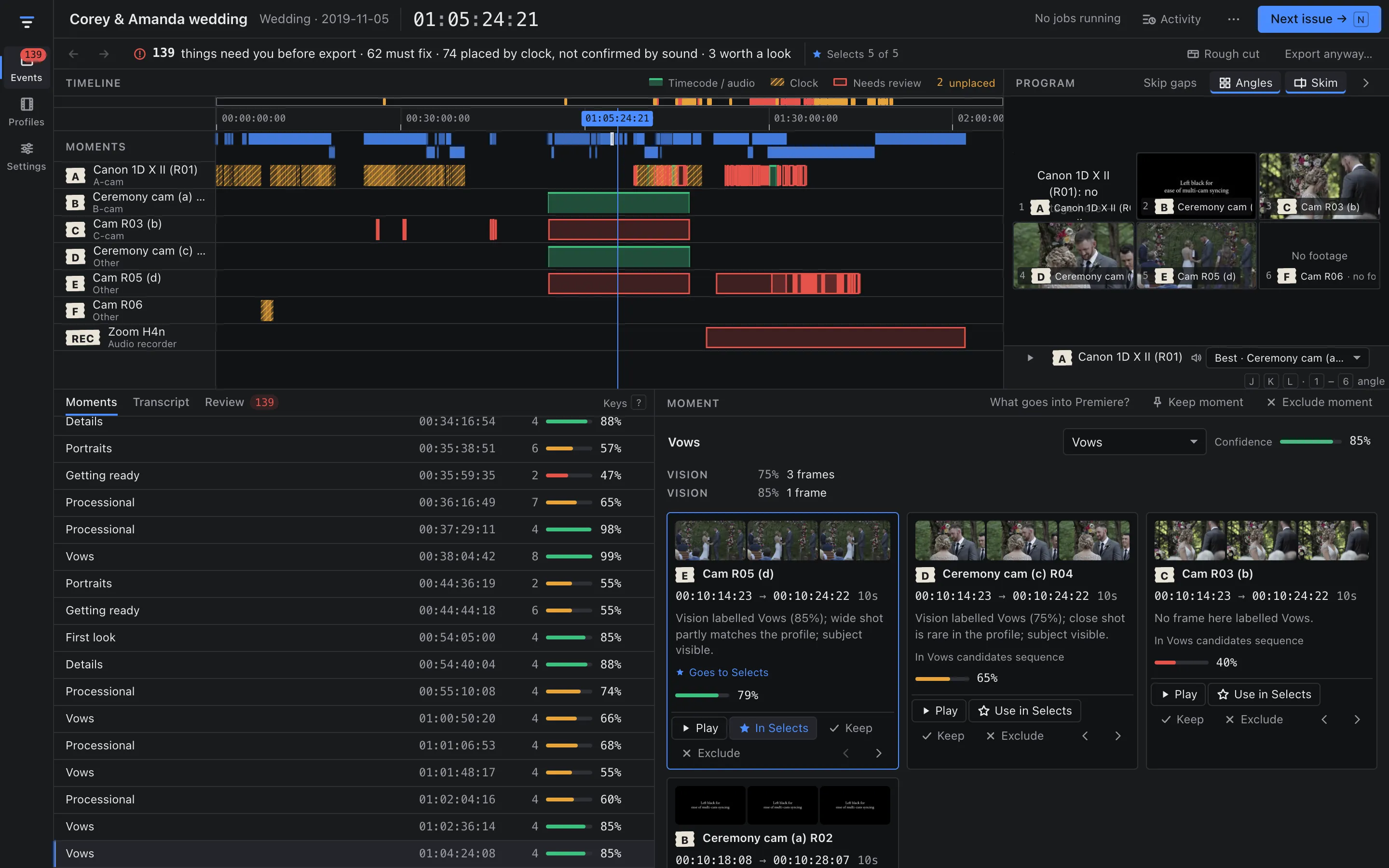
By sound. Sift compares each clip's audio with the devices it overlaps. Clips that match are placed to the frame. Clips that don't are placed by their camera clock and flagged in Review, where you can listen to them against another device and nudge or pin them.
What does the AI cost?
You pay your provider directly. A full run of a 436-file, seven-device wedding cost between $5.68 and $7.73 in our runs. Each event and profile has a budget cap, and Sift shows the estimate before it starts. See Pricing for the details.
Do I need Premiere Pro?
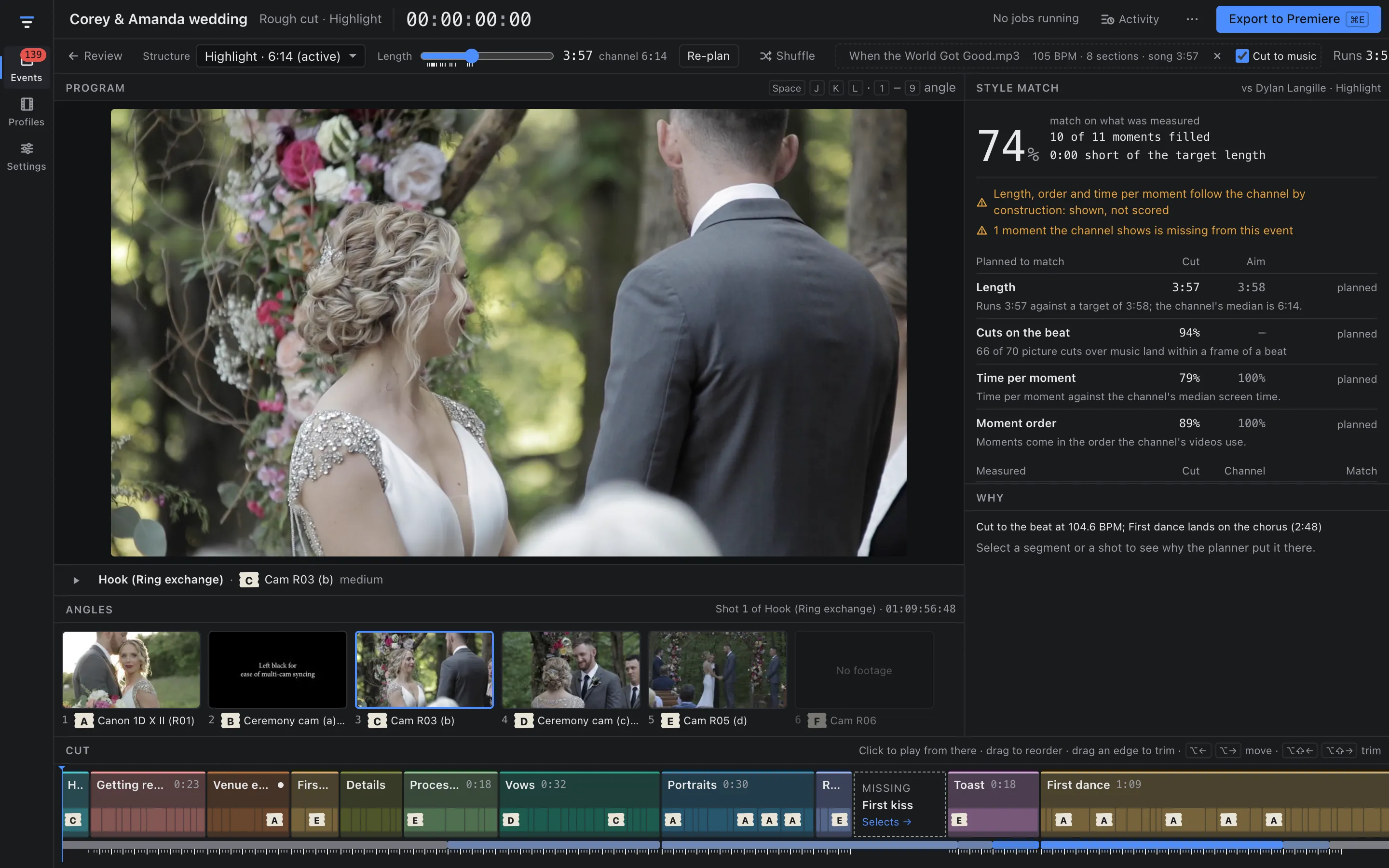
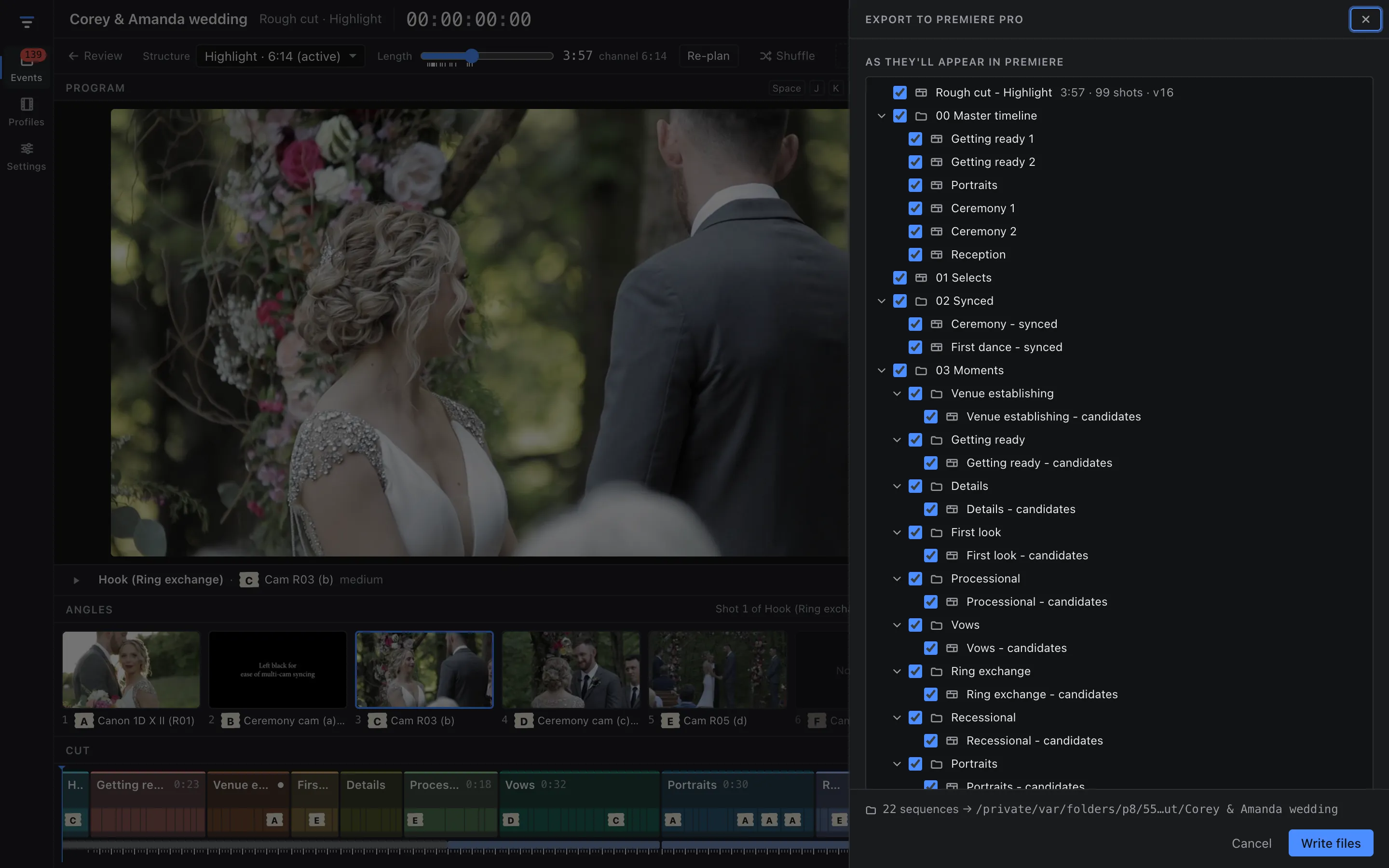
The export is a Final Cut Pro 7 XML file made for Premiere Pro, with bins, sequences, markers and captions. Sift doesn't need Premiere to run; you need it to open the project.
Does it copy another creator's videos?
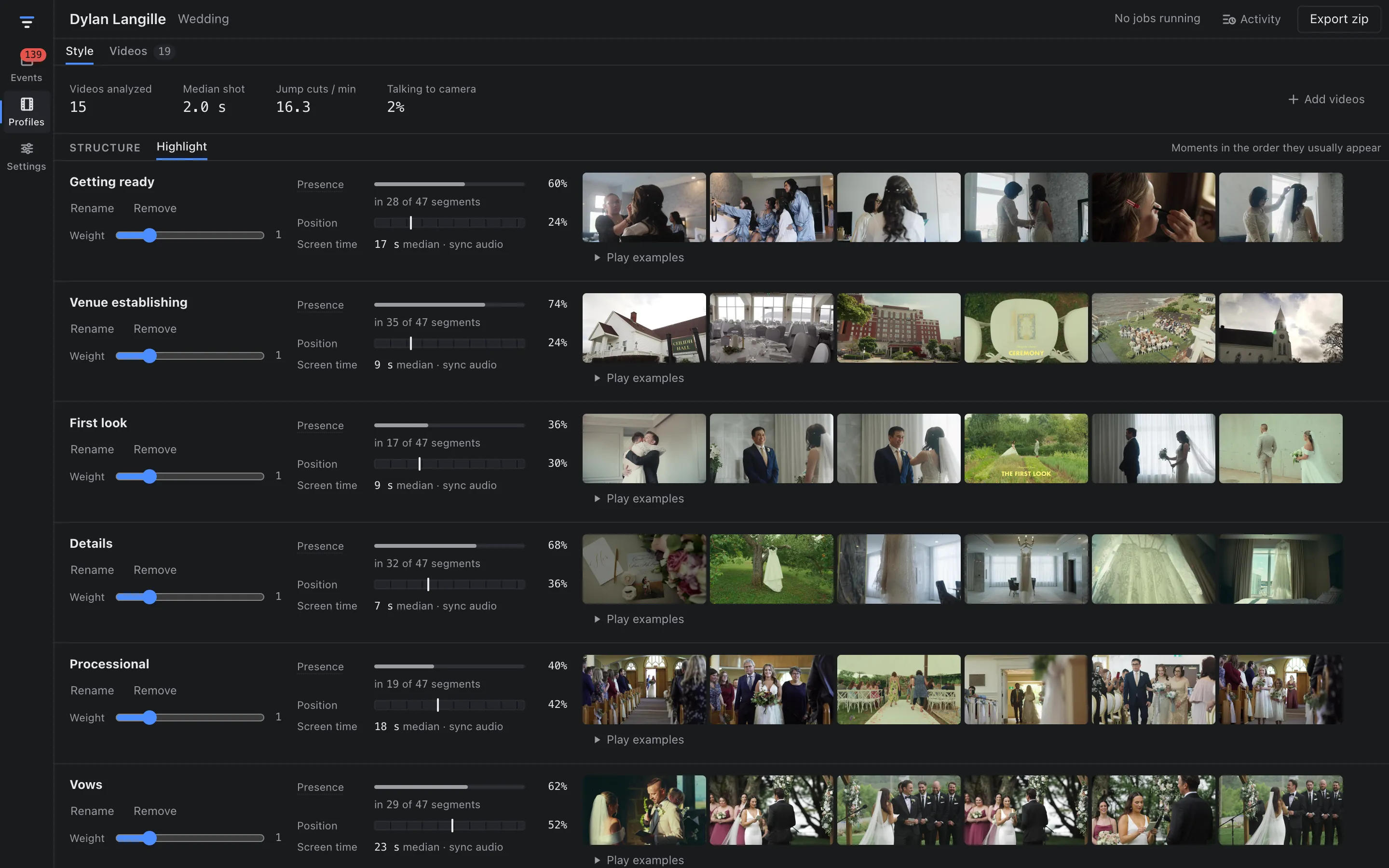
No footage or music from the channel goes into your cut. A style profile is a set of measurements: which moments appear and in what order, how long shots run, how often the edit jump-cuts, how much is talking to camera. The rough cut is built only from your footage.
Can I use it offline?
Partly. With API calls switched off, scanning, sync, scene detection, transcription, takes and frame sampling still run. Moment labels and style profiles need the API.
Windows? Intel Macs?
No. Sift runs on Apple silicon Macs with macOS 13 Ventura or later.